
This tutorial will help you create a free website using the extendify AI-powered WordPress tool. The installation of the extendify AI tool occurs at the same time as the WordPress installation.
You will find video instructions at the end of the article.
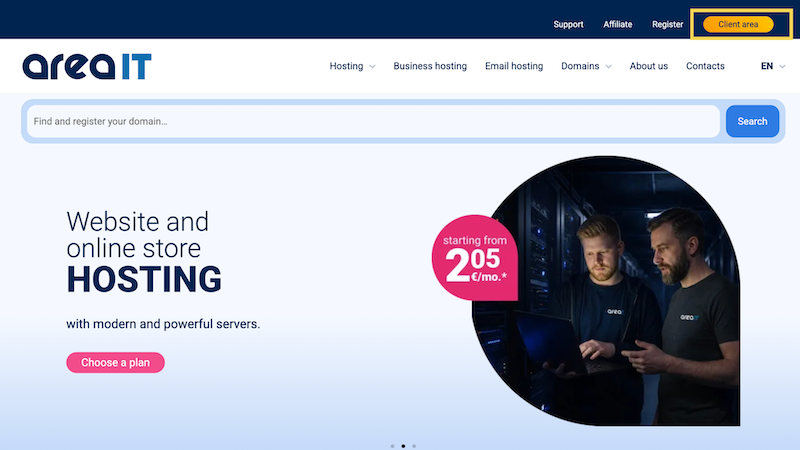
- To get started, go to the Area IT customer portal.
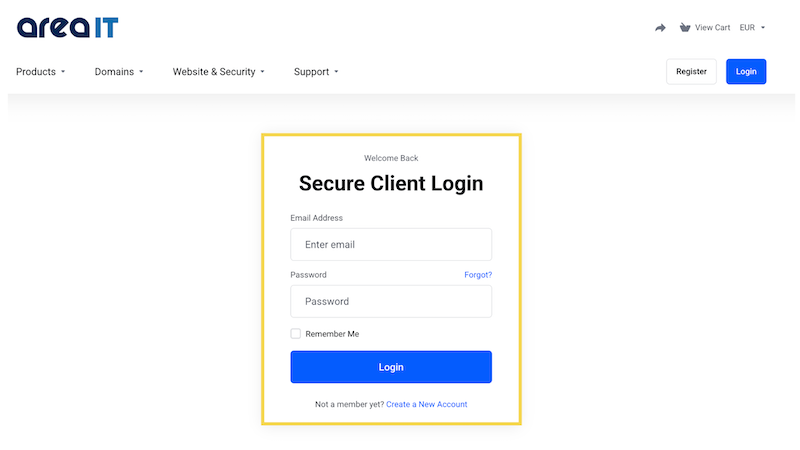
2. Connect to the system.
3. Choose the domain you want to create a free website for. You may only have one domain.

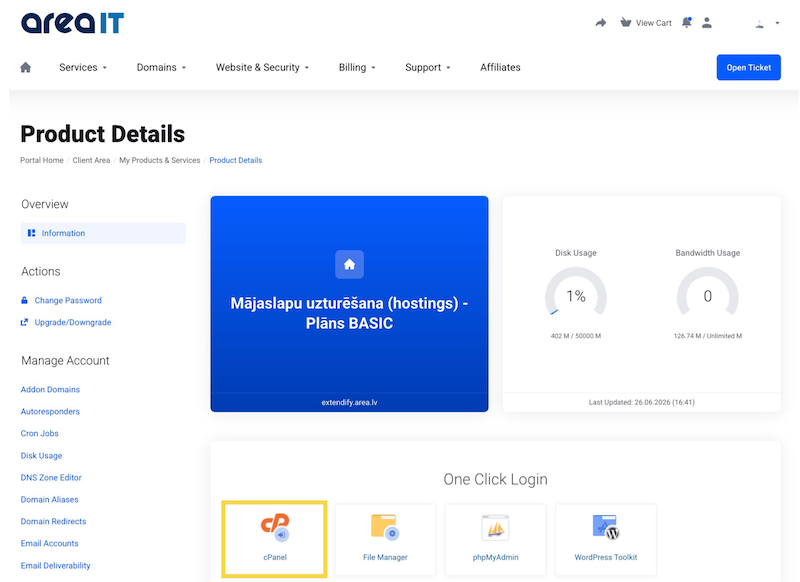
4. Go to cPanel.
5. Choose WordPress Management.

6. Choose "Insall WordPress".

7. This is an important step:
- Enter the name of your website.
- Be sure to select "Extendify AI-powered Wordpress" - only then will you have access to free website creation with AI.
- Choose the language in which you want your website!
Don't forget to also enter the administrator name, save the password and enter your email.
Once this information is entered, click "Install".

8. After installing WordPress and extendify, you will be able to briefly describe your business, such as what services you offer, the industry you operate in, etc. You can also ask the AI agent for help. In this field, you do not need to describe what kind of website you want, but only your business, so that the AI tool can offer you solutions.

In about 1 minute or less, extendify will offer you a ready-made website with stock photos, texts, and various design layouts so you can choose the one you like best and customize it to your needs.


