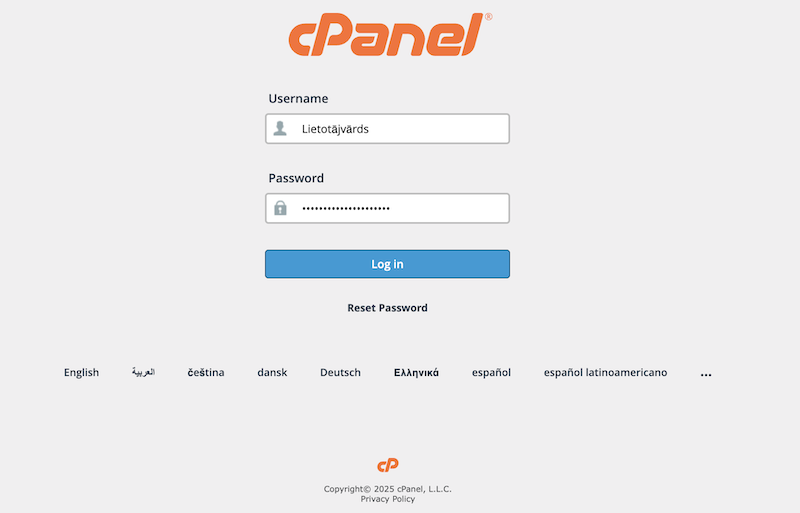
Access cPanel, where you can manage email accounts, backups, and other settings. There are two ways to log in – via the “Client Portal” or by using a direct cPanel link.
A) Logging in through the AreaIT “Client Portal”
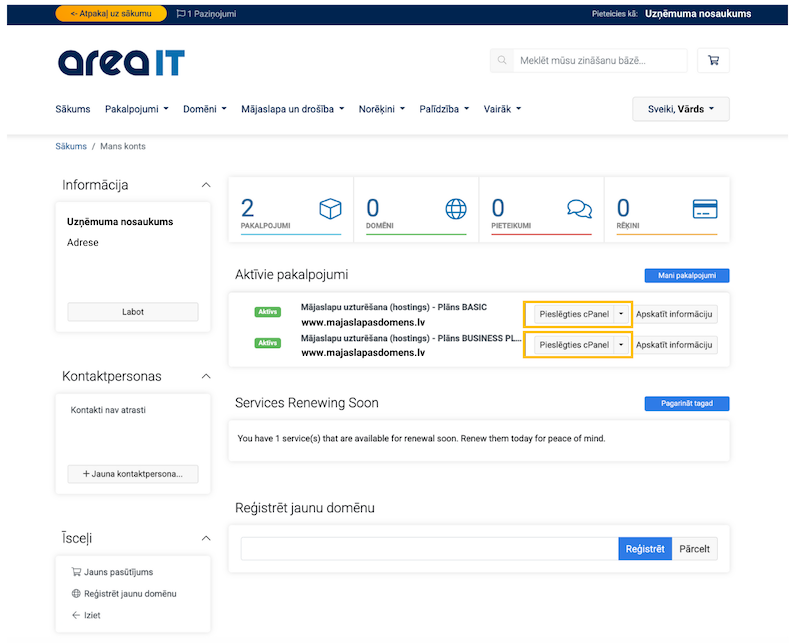
To access cPanel, you can use the AreaIT “Client Portal”. First, log in to your AreaIT client account. Then, select the “Log in to cPanel” option next to the corresponding service.
B) Using the link we sent you by email.
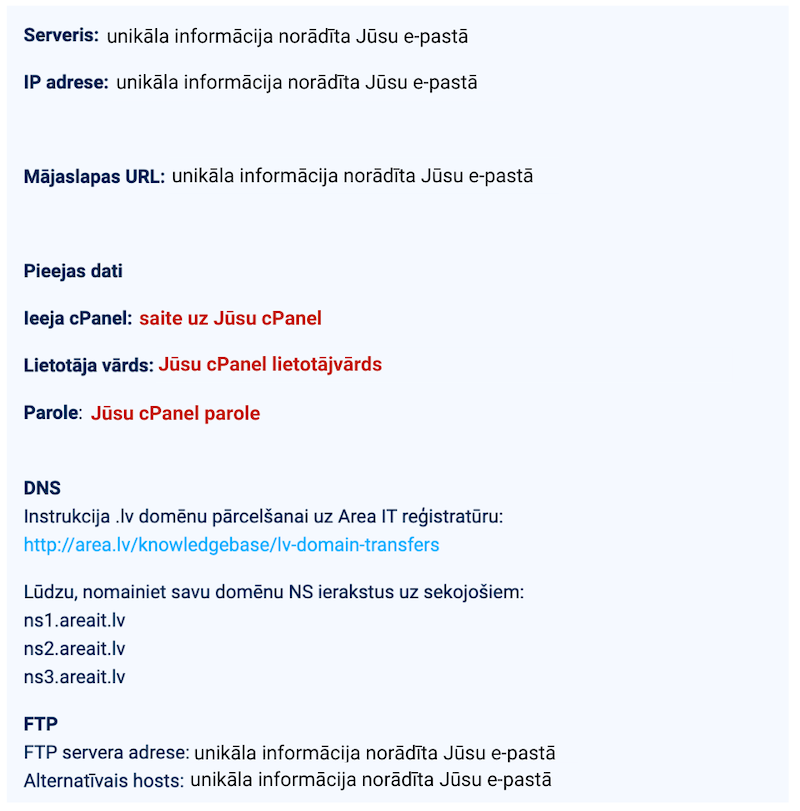
After the service was activated, you received an email containing your cPanel login credentials, including the username and password. You can use the provided link to log in to cPanel without accessing the AreaIT Client Portal.
The email included a login link to cPanel, along with your username and email address.
The cPanel login page, where you need to enter the username and password received via email, looks like this. You can bookmark the cPanel login page in your browser’s Favorites for quicker future access.