
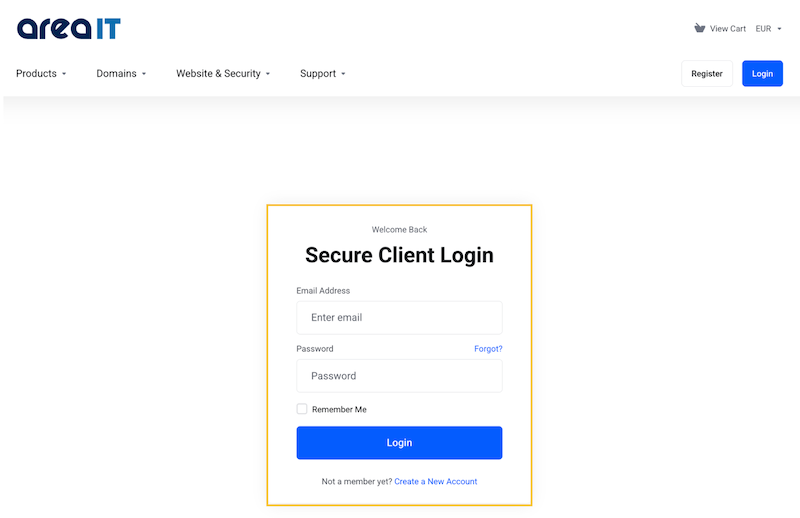
1.Log in to the Area IT client portal.

2. Enter your account username: email and password.
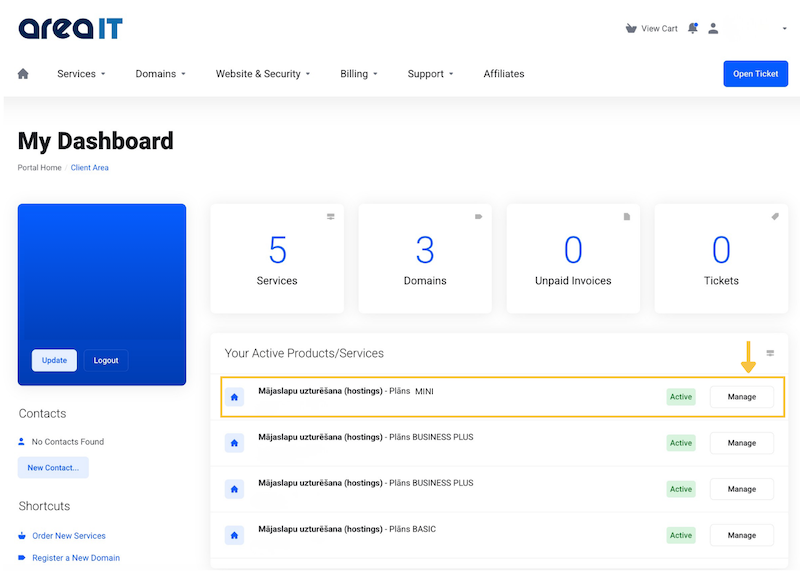
3. Under services, select the plan you would like to extend (or whose price you would like to lock in).
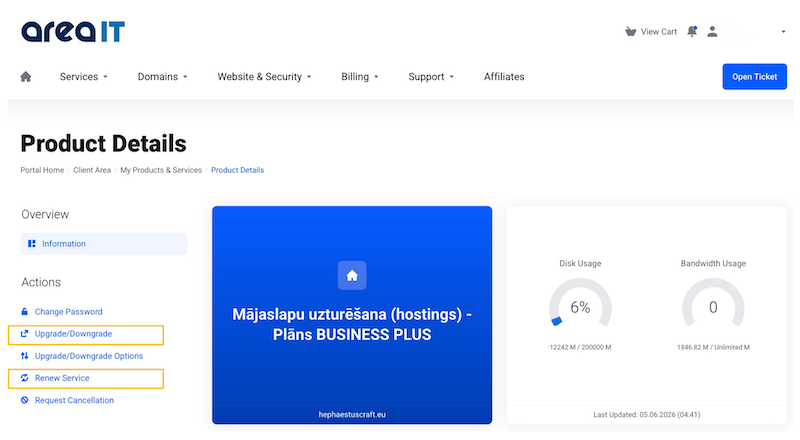
4. Select the service for which you would like to change the payment period — extend it "Renew Service" or select “Upgrade / Downgrade" to change plan if you would like to extend the service and change the plan at the same time. To lock in - "Freeze" the price, select “Renew Service”.
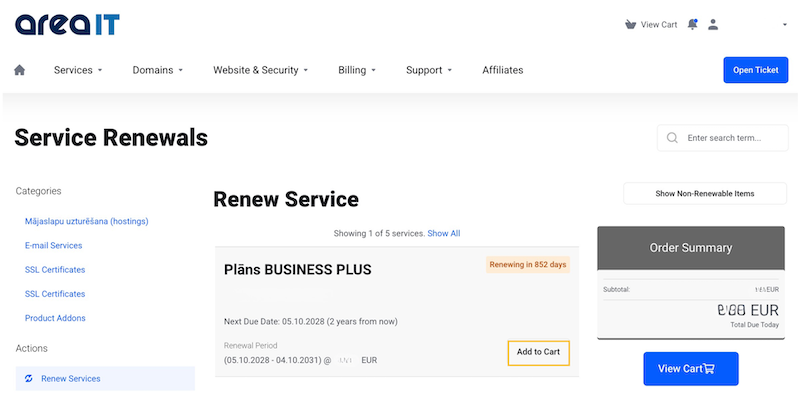
5A. Plan extension - price lock-in or "Freeze the price". You will be able to see the date until which your current service is valid and view when the new service payment period will come into effect. Price lock-in is available only for the same period as the plan that is currently active for you.
5B. Plan change. If you choose to change your plan, you need to select the plan you would like to use going forward, as well as the payment period. The minimum term for the MINI plan is 12 months. For other plans, the minimum term is 1 month. The longer the period you choose, the lower the monthly cost will be.
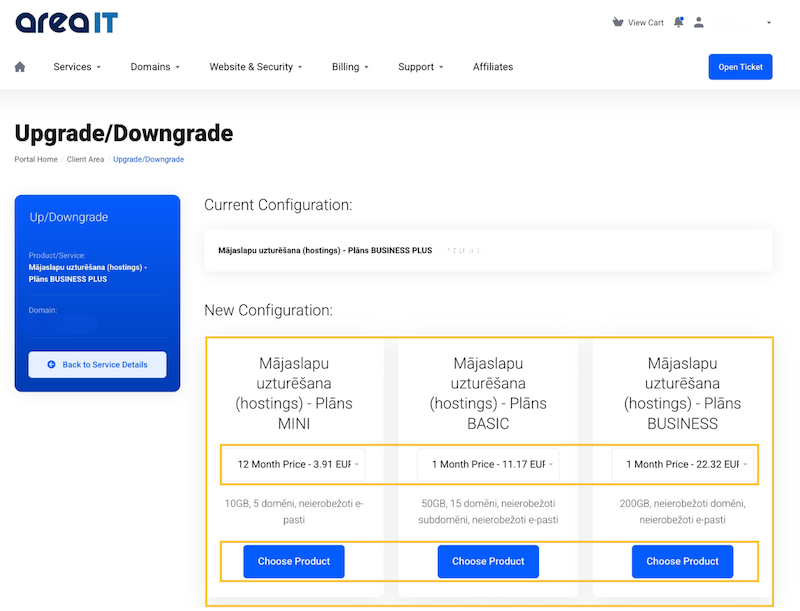
6. Make the payment. Choose the payment method that is most convenient for you.


